Crossword Computer Puzzles for Kindergarteners
Crossword computer puzzles for kindergarteners provide a fun and interactive way for young learners to develop their vocabulary and problem-solving skills. As a teacher, incorporating these puzzles into your classroom can be a great way to reinforce lessons while keeping students engaged. Here’s how to effectively use crossword puzzles with your kindergarten class, from selecting the right puzzles to implementing them in your teaching strategy.
Choosing the Right Crossword Puzzles
When looking for crossword computer puzzles for kindergarteners, it’s essential to select puzzles that are age-appropriate. Aim for puzzles with simple words and clues that relate to topics your students are currently learning.
- Focus on Vocabulary: Choose puzzles that feature common words, such as animals, colors, or everyday objects. This helps reinforce vocabulary they are already familiar with.
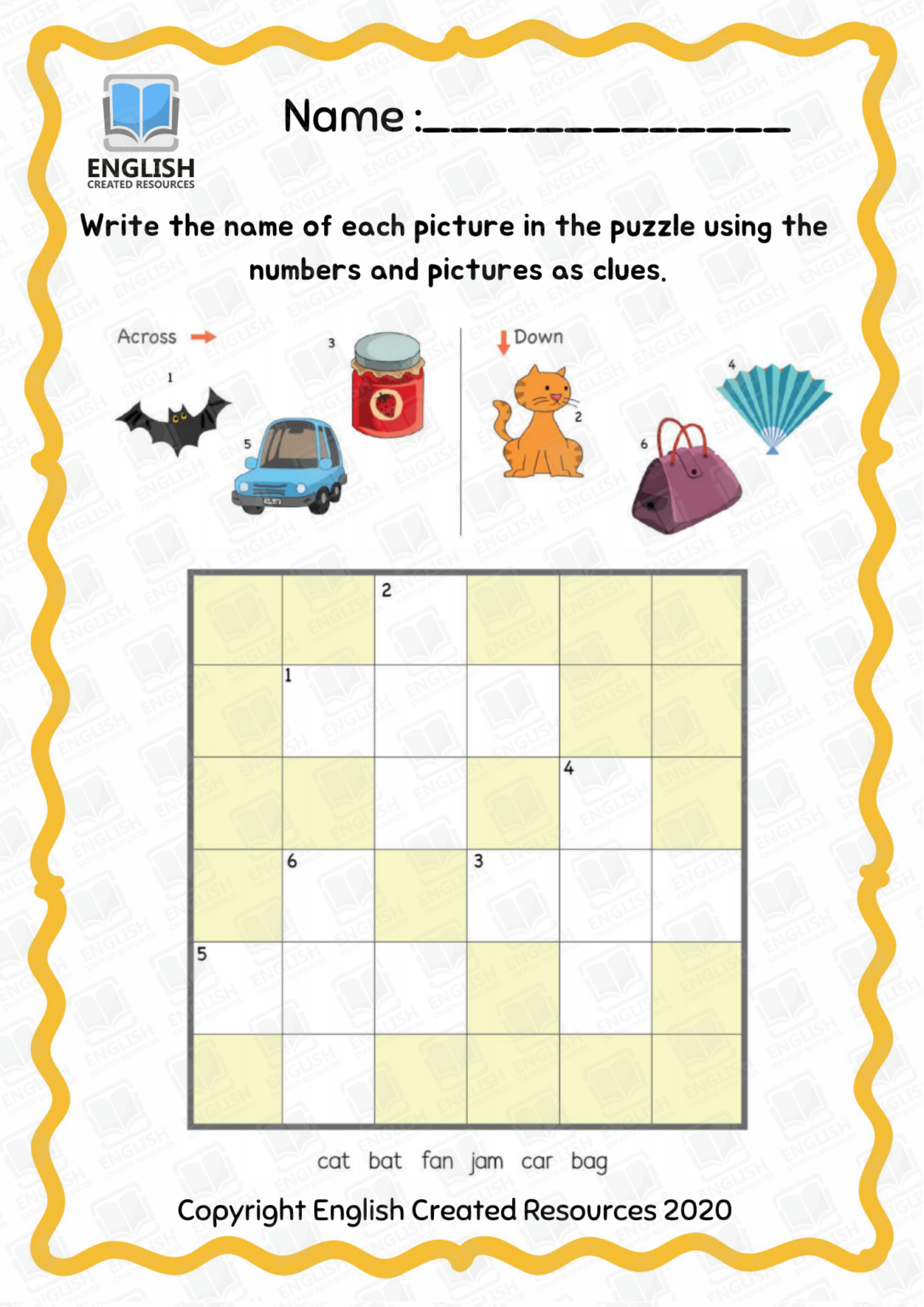
- Difficulty Level: Ensure the puzzles aren’t too complex. Look for ones that don’t require reading beyond a kindergarten level. Puzzles with pictures as clues can also be more engaging for young learners.
- Printable Options: Many resources offer printable versions of these puzzles, which can be beneficial for classroom use. Ensure that the format suits your teaching needs, such as PDF or image files.
Downloading and Preparing the Puzzles
Once you’ve selected the appropriate crossword puzzles, the next step is to download and prepare them for your classroom. Here’s a straightforward workflow:
- Download the Puzzles: Visit a reliable printable-resource website that offers crossword puzzles for kindergarteners. Look for options that allow you to download the files directly to your device.
- Print the Puzzles: Use standard letter-sized paper (8.5 x 11 inches) for printing. If you plan to reuse the puzzles, consider printing on cardstock for durability.
- Laminate (Optional): If you want to use the puzzles multiple times, laminating them can be a great option. This allows students to use dry-erase markers to fill in the puzzles, making them reusable.
- Organize the Materials: Keep the printed puzzles in a folder or binder. This organization will make them easily accessible for classroom activities.
Setting Up the Activity
When setting up a crossword puzzle activity, keep in mind the classroom environment and the students’ engagement levels. Here are some tips to create a fun learning atmosphere:
- Group Work vs. Individual Work: Decide if you want students to work individually or in pairs. Group work can encourage collaboration and discussion, while individual work allows for self-paced learning.
- Timing: Set a reasonable time limit for completing the puzzles. This helps keep students focused and engaged. For kindergarteners, 15-20 minutes is usually an appropriate timeframe.
- Provide Guidance: Walk around the classroom while students work on the puzzles. Offer hints and encouragement to help them stay motivated. This interaction also allows you to assess their understanding of the vocabulary being used.
Making It Fun and Engaging
To maximize the effectiveness of crossword computer puzzles for kindergarteners, consider adding elements of fun and competition. Here are some ideas:
- Incorporate Themes: Use seasonal or thematic puzzles that align with your curriculum. For example, create puzzles about holidays, animals, or community helpers.
- Reward Systems: Consider implementing a rewards system for completed puzzles. Stickers or small prizes can motivate students to participate and complete their work.
- Puzzle Sharing: After completing the puzzles, allow students to share their favorite words or clues with the class. This reinforces vocabulary and encourages public speaking skills.
Enhancing Replayability
Crossword puzzles can be reused in various ways to maintain students’ interest. Here are a few strategies to enhance replayability:
- Create Custom Puzzles: Once students are familiar with the format, consider having them create their own crossword puzzles using words they’ve learned. This can be a fun way to reinforce vocabulary and allow creativity.
- Rotate Themes: Regularly change the themes of the puzzles to keep the content fresh. This could be aligned with different subjects or units you’re covering in class.
- Digital Versions: If available, explore digital crossword puzzle tools. Some online platforms allow students to solve puzzles directly on a computer or tablet, adding a tech aspect to the learning experience.
By integrating crossword computer puzzles for kindergarteners into your teaching strategy, you can create a dynamic and engaging learning environment. These puzzles not only enhance vocabulary skills but also foster problem-solving abilities in a fun and interactive way. Start implementing these tips today, and watch your students thrive as they enjoy learning through puzzles!