Children’s Crosswords to Print
Crossword puzzles are a fantastic way for children to engage with language, enhance their vocabulary, and develop critical thinking skills. When you’re looking for children’s crosswords to print, you want resources that are not only fun but also educational. Let’s walk through how to find, download, print, and effectively use these resources in your classroom or at home.
Choosing the Right Crosswords for Your Students
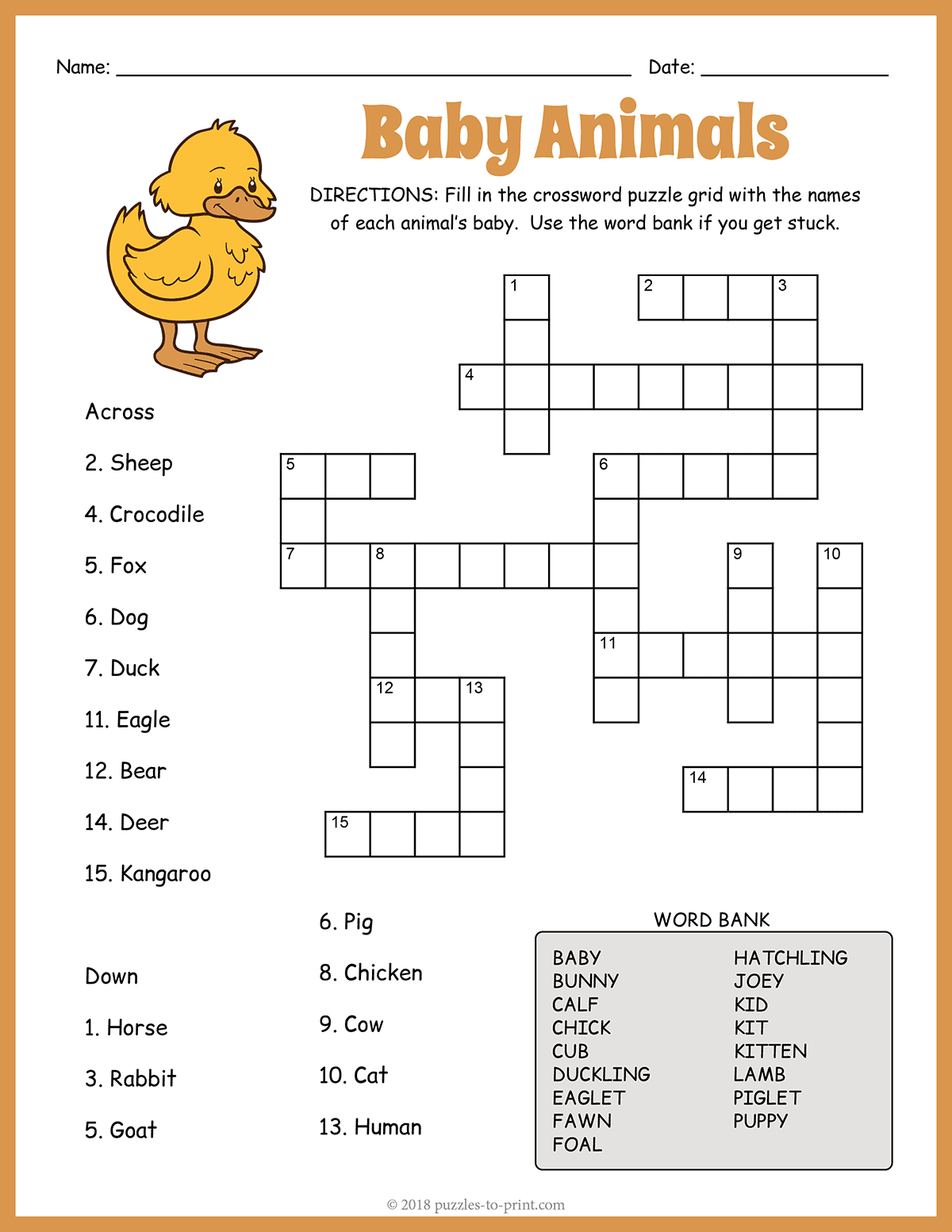
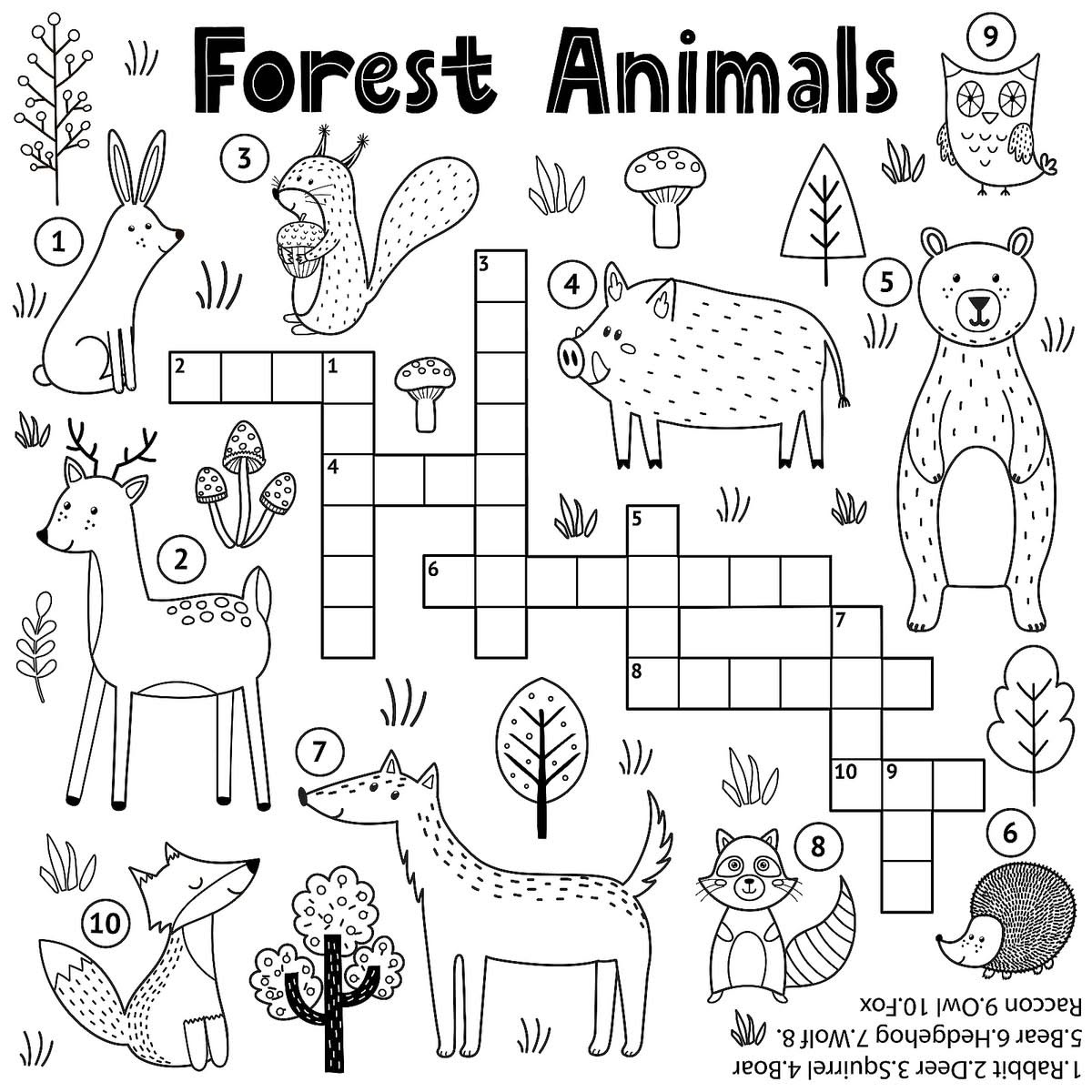
When selecting crosswords, consider the age group and skill level of the children. For younger students, look for simpler puzzles with images or themes they are familiar with, such as animals, colors, or popular children’s characters. As they progress, you can introduce more complex crosswords with varied vocabulary.
You might find crosswords categorized by grade level, which simplifies your decision-making. For instance, first-grade puzzles will typically feature basic words, while fifth-grade crosswords can incorporate more challenging terms. Always check the word list associated with the crossword to ensure it aligns with your educational goals.
Downloading Printable Crosswords
Once you’ve identified the right crosswords, downloading them is straightforward. Most printable resources are available in PDF format, which preserves the layout and makes printing easy. Here’s how to do it:
- Select Your Crossword: Browse through available options until you find the right one.
- Click on the Download Link: This is usually prominently displayed on the resource page.
- Save the File: Choose a location on your computer where you can easily find the downloaded file later.
PDF files are recommended because they avoid reformatting issues that image files might have, ensuring that the puzzles print correctly without any distortion.
Printing Your Crosswords
Now that you have your crosswords downloaded, it’s time to print them. Here are some tips to ensure the best results:
- Paper Size: Standard letter size (8.5 x 11 inches) works best for most home printers.
- Print Settings: Use portrait orientation for crosswords, as this layout typically fits better on the page. If you want to save paper, try printing two puzzles per page.
- Quality: Select a high-quality print setting to ensure that the text is clear and easy to read. This is particularly important for younger children who may struggle with smaller fonts.
If you plan to use the crosswords multiple times, consider printing them on cardstock, which holds up better and can be laminated for durability.
Engaging Students With Crosswords
Now that you have your printed crosswords, think about how to incorporate them into your teaching. Here are some practical ways to use them:
- Classroom Activities: Distribute puzzles during independent work time or as a fun homework assignment. This encourages self-directed learning.
- Group Challenges: Pair students up and challenge them to complete a crossword together. This fosters teamwork and discussion about word meanings.
- Thematic Units: Use crosswords that relate to the topics you’re teaching. For example, if your class is learning about space, find or create a crossword focused on planets and astronauts.
Encouraging students to talk about the words they’re filling in can deepen their understanding and retention of vocabulary.
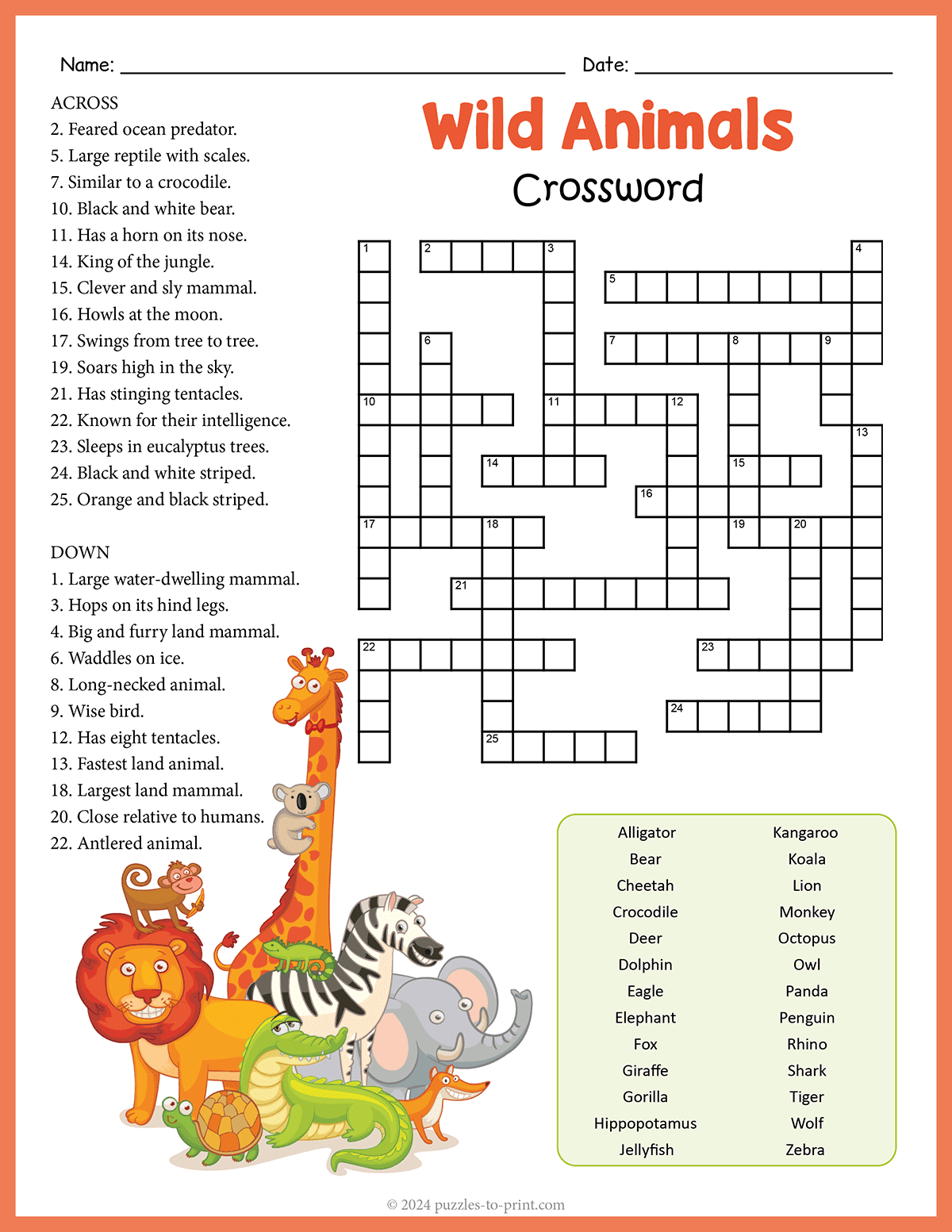
Creating Your Own Crosswords
If you find that commercially available children’s crosswords to print don’t quite fit your needs, consider creating your own! There are various online tools that allow you to input your chosen words and clues, generating a crossword puzzle that you can print. Here’s a simple process:
- Choose Your Theme: Decide on a topic that aligns with your curriculum or interests of your students.
- Select Words: List out relevant vocabulary that fits this theme.
- Use an Online Generator: Input your words and clues into a crossword generator. Many of these tools allow you to customize the layout and difficulty level.
This not only provides a unique resource tailored to your classroom but also allows students to see their own words in action.
Using children’s crosswords to print is a versatile and effective educational tool. They can enhance vocabulary, promote problem-solving skills, and engage students in a fun way. Remember to print on quality paper, consider using themes that resonate with your students, and don’t hesitate to create your own puzzles when necessary. This will keep your learning environment fresh and exciting.
One final tip: always include a brief explanation of crossword-solving strategies when you introduce a new puzzle. This can help students feel more confident and capable as they tackle their next crossword challenge.