Build a Crossword Puzzle Free Printable
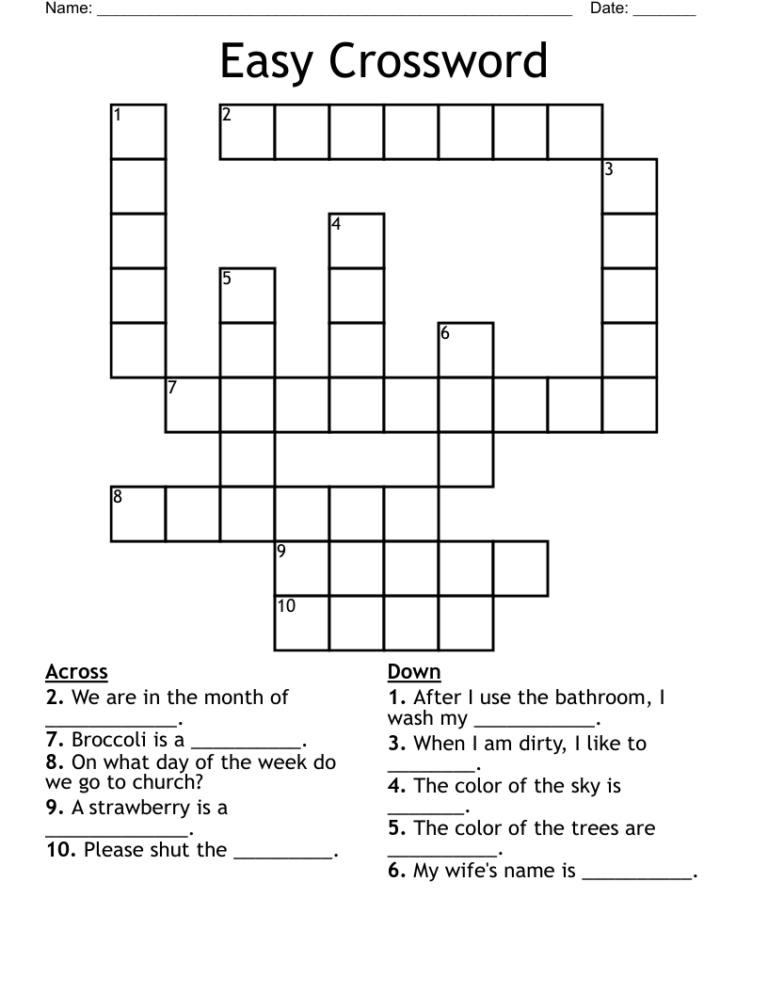
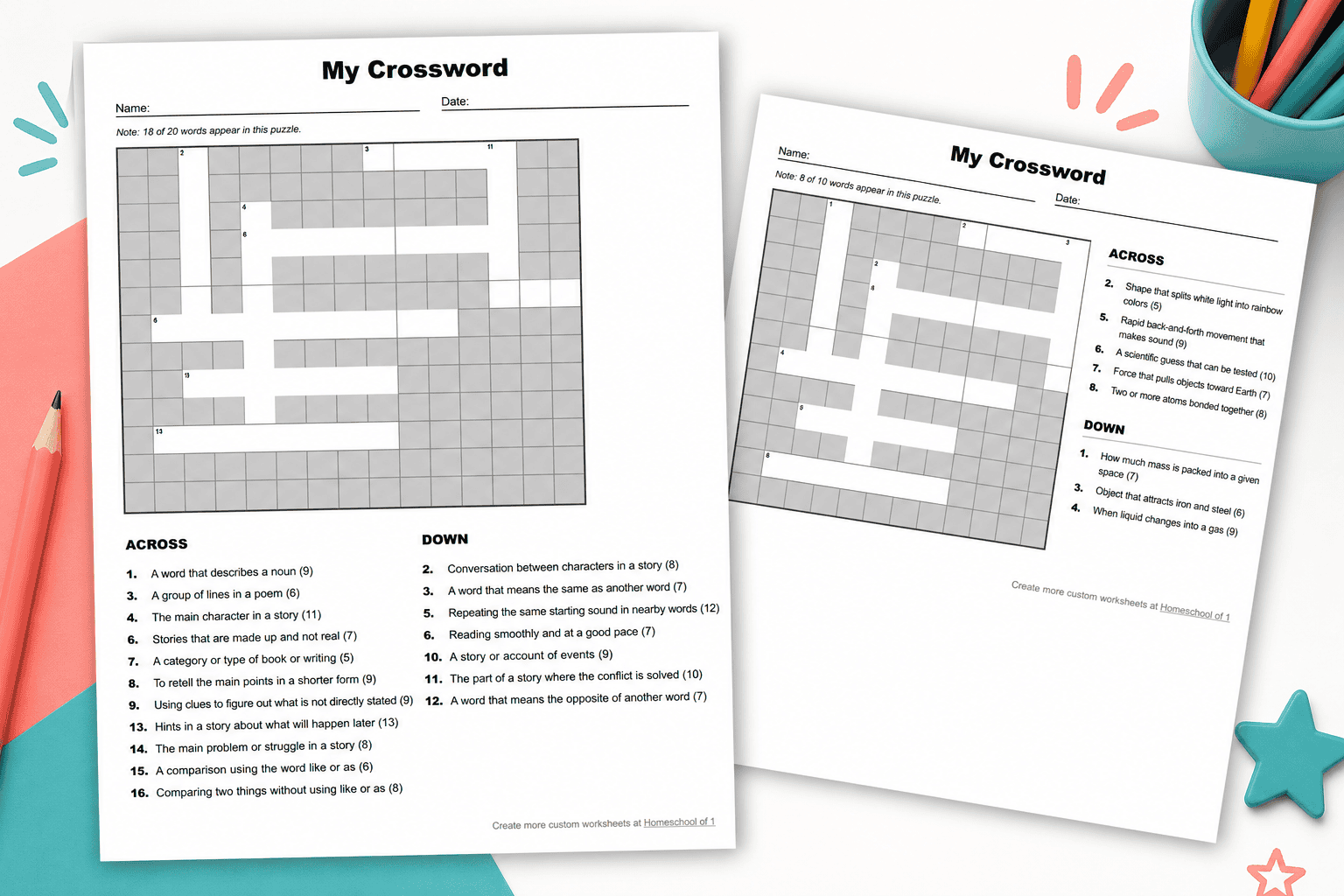
Creating a crossword puzzle can be an exciting and educational activity, especially when you can build a crossword puzzle free printable. This resource not only engages students but also reinforces vocabulary and subject matter in a fun way. In this guide, we’ll walk you through the steps to create your own crossword puzzle that can be printed and used in the classroom or at home.
Step 1: Choose Your Theme and Vocabulary
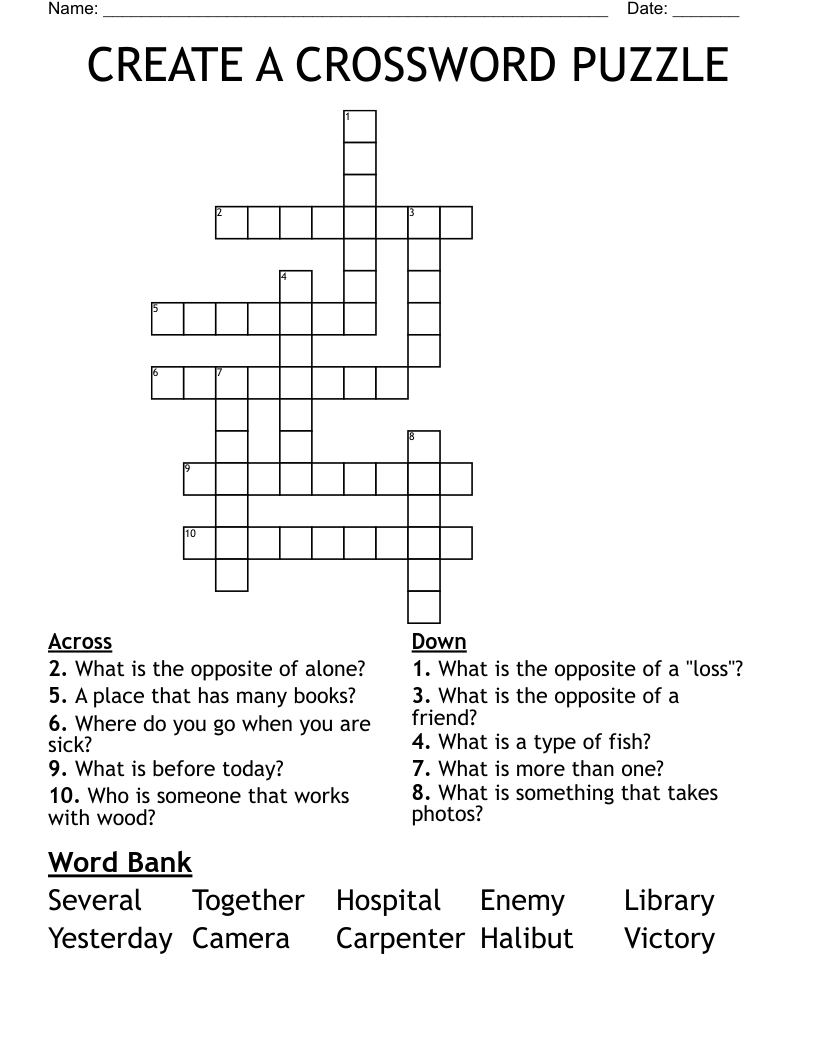
Before you start building your crossword puzzle, decide on a theme. This could be related to a specific subject you’re teaching, such as science, history, or literature. Once you have your theme, compile a list of vocabulary words associated with it. Aim for around 10-15 words, depending on the size of your crossword puzzle.
For example, if your theme is “plants,” your vocabulary might include words like “photosynthesis,” “chlorophyll,” “stomata,” and “roots.” Consider the difficulty level appropriate for your students; younger students might need simpler words, while older students can handle more complex terms.
Step 2: Create Clues
Once you have your vocabulary list, write clues for each word. Clues can be straightforward definitions, synonyms, or even sentences that provide context. For instance, if one of your words is “roots,” your clue might be “The part of a plant that absorbs water and nutrients from the soil.”
It’s helpful to vary the types of clues you provide to keep the puzzle interesting and challenging. Aim for a mix of straightforward and more cryptic clues to engage students of different skill levels.
Step 3: Use a Crossword Puzzle Generator
To build your crossword puzzle, you can use an online crossword puzzle generator. Many of these tools allow you to input your words and clues, automatically generating the puzzle for you.
Here are a few popular options:
- Crossword Labs: This user-friendly tool lets you create a crossword puzzle quickly and easily.
- Discovery Education: Offers a crossword puzzle maker that allows for customization.
- Puzzle-Maker: A straightforward tool that helps you create crosswords by entering your words and clues.
Choose a generator that fits your needs and follow its instructions to create your printable crossword puzzle. Most generators will allow you to customize the layout, size, and print settings, which is great for ensuring your puzzle fits well on the page.
Step 4: Download and Print
Once you’ve created your crossword puzzle, it’s time to download and print it. Most generators will provide the option to download your puzzle as a PDF or image file. Always choose the PDF format for the best printing quality, as it preserves the layout and ensures that everything appears as intended.
When printing, consider using standard printer settings, such as:
- Paper Size: Letter size (8.5 x 11 inches) is typical for worksheets.
- Orientation: Landscape orientation can work better for larger puzzles.
- Quality: Select a higher quality print setting if available, especially if you’re using colored ink.
Step 5: Set Up for Use in the Classroom
Now that you have your printed crossword puzzle, think about how you will use it in the classroom. Here are a few ideas:
- Group Activity: Divide students into small groups and have them work together to solve the puzzle. This encourages collaboration and discussion about the vocabulary.
- Individual Assignment: Assign the puzzle as homework or an in-class activity to reinforce learning.
- Assessment Tool: Use the crossword as a fun way to assess students’ understanding of vocabulary related to the lesson.
Step 6: Scale Difficulty for Repeat Use
One of the advantages of creating your own crossword puzzles is the ability to scale the difficulty for different levels of students. Here are some suggestions:
- For Younger Students: Use simpler words and more straightforward clues.
- For Advanced Students: Incorporate more complex vocabulary and less direct clues that require critical thinking.
- Themed Variations: Change the theme or vocabulary for different lessons. You might create a puzzle about “habitats” one week and “ecosystems” the next, keeping the format the same but varying the content.
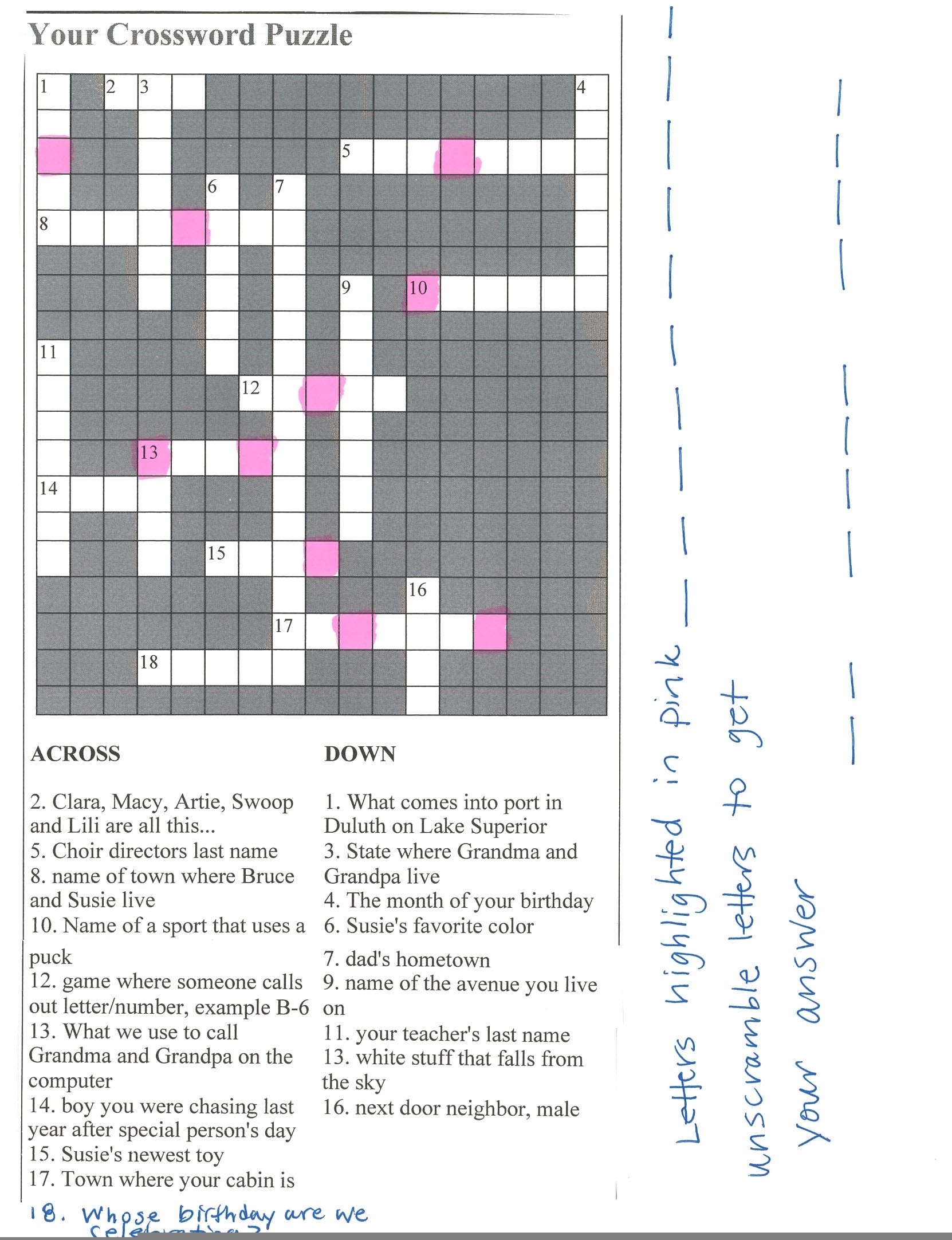
Step 7: Collect Feedback and Improve
After using your crossword puzzle, gather feedback from your students. Ask them what they liked or found challenging about the puzzle. This feedback can help you refine your future puzzles, making them more engaging and effective learning tools.
Consider creating a follow-up activity based on the crossword, such as a discussion about the vocabulary or a creative project that allows students to explore the theme further.
In summary, building a crossword puzzle free printable is a straightforward process that can enrich your students’ learning experience. By following these steps, you can create a resource that is not only educational but also enjoyable for your students. Don’t forget to experiment with different themes, vocabulary, and difficulty levels to keep the puzzles fresh and exciting! One last tip: always remember to save your generated puzzles in a folder for easy access and reuse in the future.