Free Printable Crosswords for Beginners
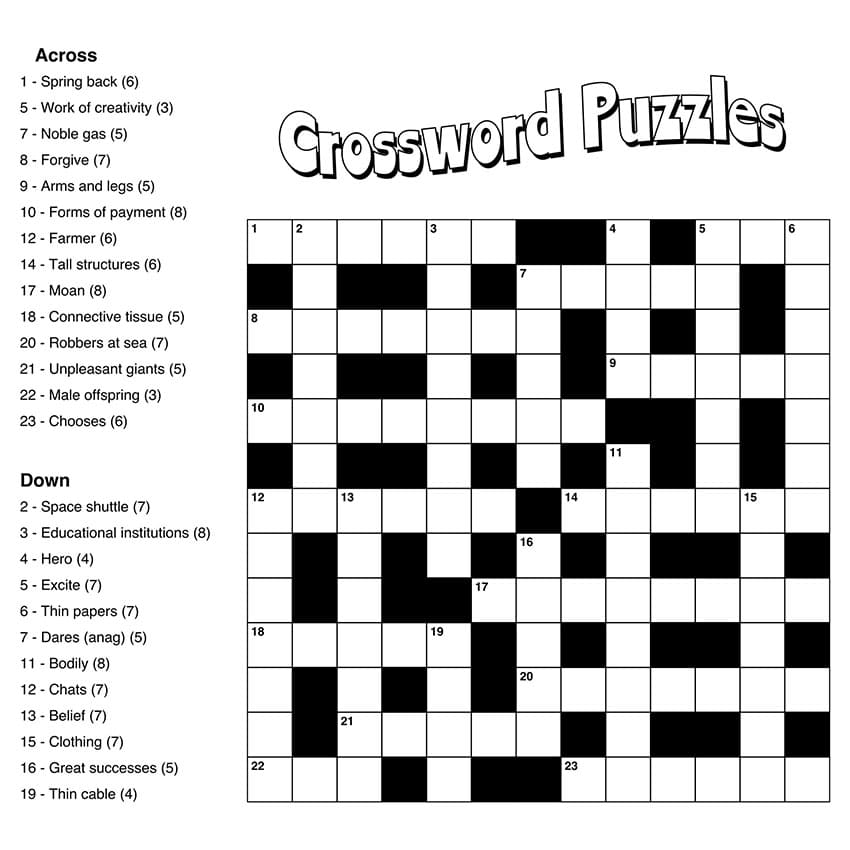
Crossword puzzles are a fantastic way to engage students in learning while having fun. They help develop vocabulary, spelling, and critical thinking skills, making them a valuable resource for teachers. If you’re looking for free printable crosswords for beginners, you’ve come to the right place! This guide will walk you through how to find, download, print, and effectively use these resources in your classroom.
Understanding the Benefits of Crosswords for Beginners
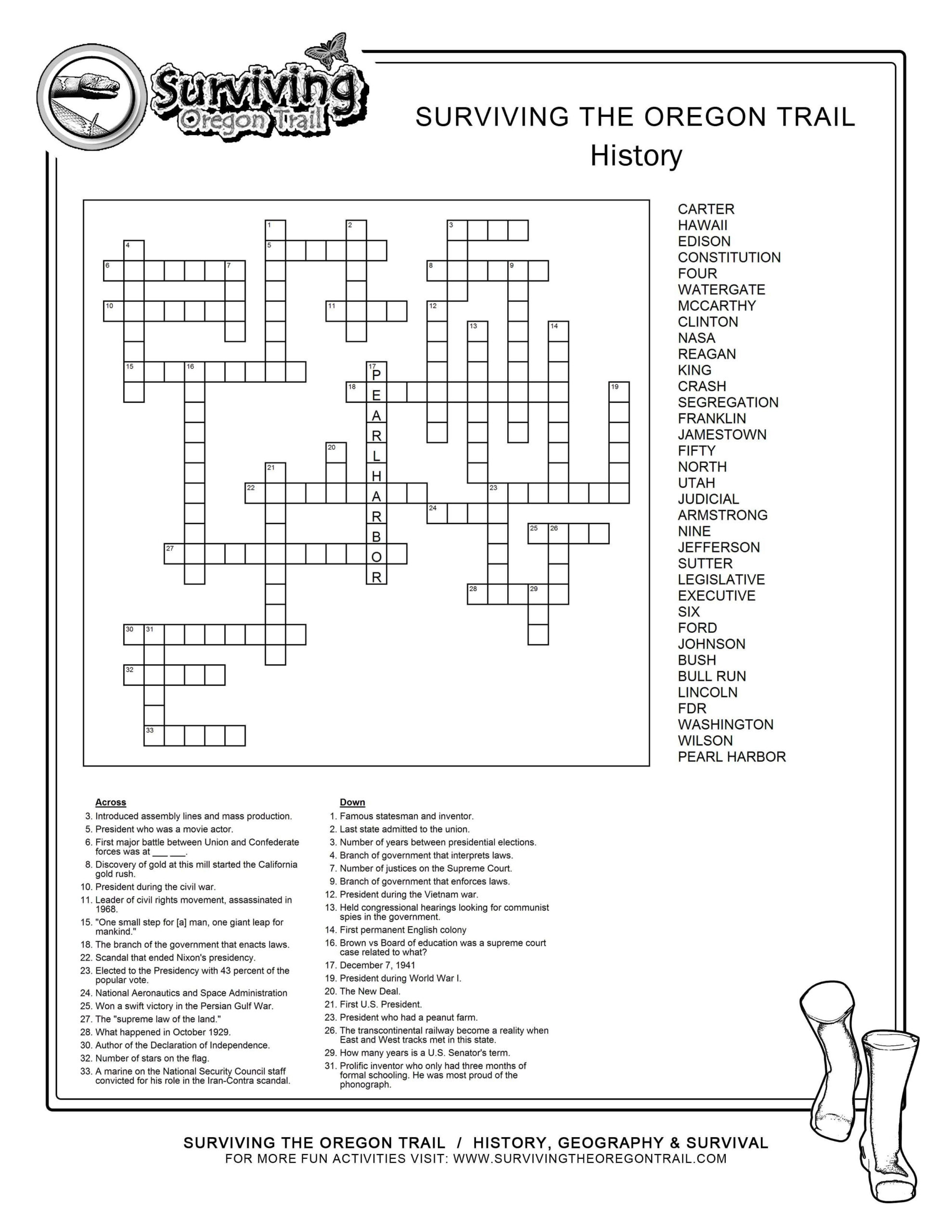
Before diving into the specifics of downloading and using crosswords, it’s essential to understand why they’re beneficial for beginners. Crosswords can enhance language skills in several ways:
- Vocabulary Development: Students encounter new words and contexts, helping them learn definitions and usage.
- Spelling Practice: Filling in the blanks reinforces correct spelling, which is crucial for early learners.
- Critical Thinking: Solving clues requires reasoning, enhancing cognitive skills critical for academic success.
These puzzles are particularly effective for younger students or those just starting to learn English, providing a playful yet educational challenge.
Finding Free Printable Crosswords
Now that you know the benefits, the next step is locating the right resources. Many websites offer free printable crosswords tailored for beginners. Here are some tips to guide your search:
- Educational Websites: Sites like Education.com and Teachers Pay Teachers often have free resources. Look for sections dedicated to crosswords or word puzzles.
- Downloadable PDFs: Ensure that the crosswords are available in PDF format. PDFs maintain formatting and are easy to print without any issues.
- Grade Level Appropriateness: Look for puzzles labeled for early elementary or beginner levels, as these will be more suitable for your students.
Downloading and Printing Crosswords
Once you’ve found the perfect crosswords, it’s time to download and print them. Here’s a simple step-by-step process:
- Select the Crossword: Click on the link to the crossword you want to use. Ensure it’s designed for beginners.
- Download the File: Most sites will have a download button. Click it, and the file will save to your computer.
- Open the File: Locate the downloaded file, which is usually in your downloads folder. Open it to ensure it displays correctly.
- Print Settings: When printing, check your printer settings. Here are some useful tips:
- Use standard letter size (8.5” x 11”) for easy handling.
- Print in portrait orientation to fit the puzzle neatly on the page.
- If possible, use cardstock for durability, especially if students will be using them multiple times.
Setting Up Crossword Activities in the Classroom
With your crosswords printed, you’re ready to incorporate them into your lessons. Here are several ideas for using them effectively:
- Group Work: Have students work in pairs or small groups. This promotes teamwork and allows them to discuss clues and answers, reinforcing their learning.
- Individual Practice: Assign crosswords as homework or independent practice. This gives students a chance to work at their own pace and revisit challenging words.
- Themed Lessons: Use crosswords to complement your lessons on specific topics. For instance, if you’re covering animals, find or create a crossword that includes animal names and related vocabulary.
Creating Custom Crosswords for Your Students
Sometimes, the best way to meet your students’ needs is to create your own crosswords. There are several online tools available that allow you to input words and clues. Here’s how to do it:
- Choose a Crossword Maker: Websites like Crossword Labs or Discovery Education’s Puzzlemaker let you create your own puzzles for free.
- Input Your Words and Clues: Enter the vocabulary words you want your students to learn, along with clues that help them connect meanings.
- Generate the Puzzle: Once you’ve entered your information, generate the crossword. Review it to ensure it’s appropriate for your students.
- Download and Print: Save the puzzle as a PDF and follow the printing tips mentioned earlier.
Creating your own puzzles allows you to tailor the content directly to your lesson plans, making learning even more relevant.
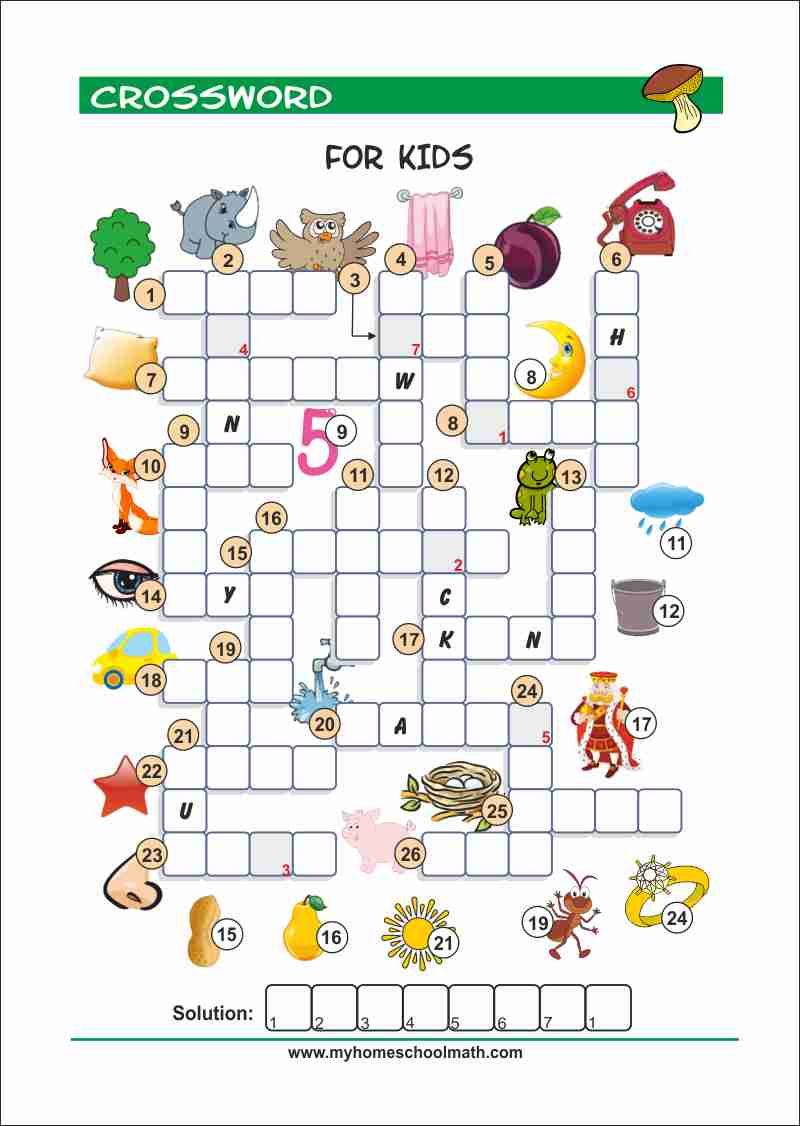
Engaging Students With Crossword Challenges
To make crosswords even more exciting, consider hosting a crossword challenge. Here’s a simple way to set it up:
- Timed Challenges: Set a timer and see which group can complete the crossword the fastest. This adds a fun competitive element.
- Small Prizes: Offer small rewards for participation or completing the crossword correctly. This encourages engagement and motivation.
- Celebrate Creativity: Allow students to create their own crosswords to challenge their peers. This not only reinforces their learning but also lets them express creativity.
Using free printable crosswords for beginners can be a rewarding experience for both teachers and students. They provide a unique blend of fun and education, enhancing vocabulary and critical thinking skills while keeping students engaged.
One last detail to consider: always check the clues for clarity and appropriateness for the age group you are teaching. This ensures that all students can enjoy the learning experience without frustration.